Add Group to Project Example
This example demonstrates adding a team/group to a project, implementing the Scalable Team Management use case.
Scenario
Grant the entire backend-developers GitHub team contributor access to the api-gateway project. This team has 25 members, and you want to manage them as a group rather than 25 individual entries.
Project Manifest
apiVersion: lowops.manifests.v1
kind: Project
metadata:
  name: api-gateway
  environment: production
  organizational-unit: platform
  organization: acme-corp
spec:
  description: Central API gateway for all microservices

  # Network egress rules for external APIs
  allowedEgress:
    - api.stripe.com
    - api.sendgrid.com
    - api.twilio.com

  defaultUrlRedirect: https://acme-corp.com

  hibernation:
    hibernate: false

  # Maintenance window (weekly)
  maintenance:
    start: 2025-02-08T02:00:00Z
    end: 2025-02-08T04:00:00Z
    exclusions: []

  permissions:
    administrators:
      groups:
        - platform-leads
      members: []

    contributors:
      groups:
        - backend-developers  # ← GitHub team with 25 members
      members: []  # No individual members needed

    viewers:
      groups:
        - frontend-developers  # Can view but not modify
        - mobile-developers
        - product-managers
      members: []
How It Works
1. Group Membership Managed Externally
The backend-developers group is managed in your GitHub organization. When HR/IT adds someone to this team in GitHub, they automatically get contributor access to the api-gateway project.
2. Zero-Touch Onboarding
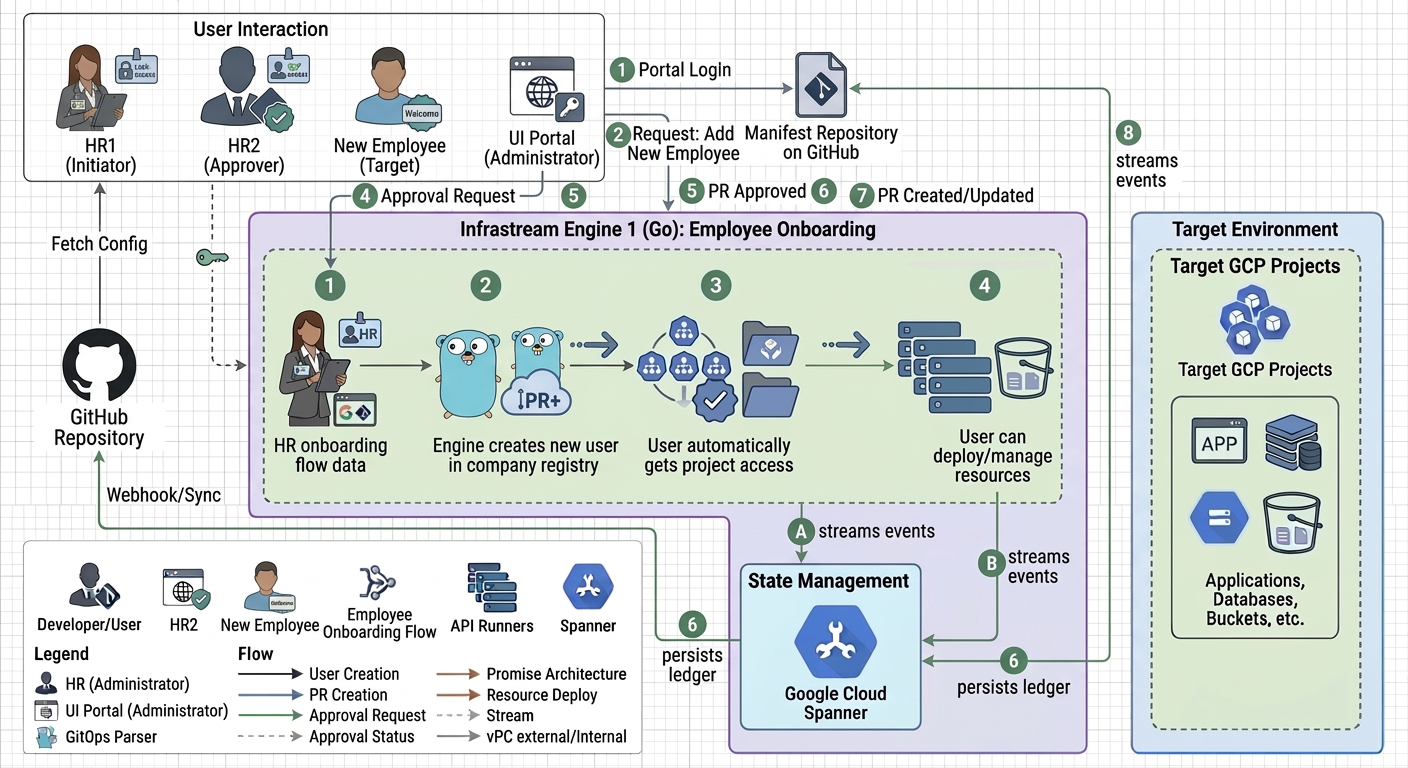
3. Instant Offboarding
When someone leaves:
- HR removes them from
backend-developersGitHub team - Access is instantly revoked across all projects that grant access to this group
- No orphaned credentials, no manual cleanup
Business Value
| Metric | Individual Users | Group-Based |
|---|---|---|
| Entries in manifest | 25 | 1 |
| Onboarding time | 25 × 5 min = 125 min | Automatic |
| Offboarding risk | High (easy to miss projects) | Zero (one removal = all access gone) |
| Permission consistency | Drift over time | Always identical |
| Administrative overhead | High | Minimal |
Multi-Group Strategy Example
spec:
  permissions:
    administrators:
      groups:
        - platform-leads  # 5 members

    contributors:
      groups:
        - backend-developers  # 25 members
        - devops-engineers  # 8 members
      members: []

    viewers:
      groups:
        - frontend-developers  # 15 members
        - data-science-team  # 10 members
        - product-managers  # 6 members
      members: []
Result: Managing 69 people with only 7 group entries instead of 69 individual entries.
Group Integration via Manifests
Infrastream strictly decouples underlying external identity providers from project access. The groups list inside any permissions block ONLY accepts the metadata.name of an OrganizationUserGroup manifest.
You cannot pass raw Google Group emails or raw GitHub Team names directly to a Project.
Correct Integration Workflow:
- Define the Abstraction: An administrator creates an
OrganizationUserGroupmanifest (e.g.,backend-developers). This manifest is what actually handles the synchronization with external Google Workspace or GitHub environments. - Reference the Abstraction: Your
Projectmanifest references thatOrganizationUserGroupmanifest by its name.
permissions:
  contributors:
    groups:
      - backend-developers  # References the OrganizationUserGroup manifest named "backend-developers"
This ensures that if the underlying external GitHub Team name changes, or if the organization migrates from Google Groups to Azure AD, the Project manifests remain completely untouched.